Storage · 2026-11-14
Best Hard Drive for CCTV: Choosing a Surveillance HDD
What makes a surveillance hard drive different, and how to choose one for a DVR or NVR.
CCTV recorders write video continuously, day and night. Surveillance hard drives are designed for that always-on, write-heavy workload and for many simultaneous camera streams, which ordinary desktop drives are not.
What to look for
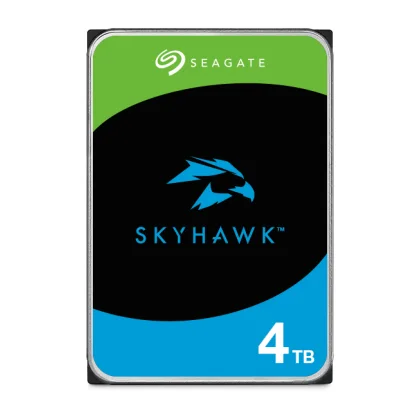
- Built for continuous recording - choose drives marketed for surveillance (for example the WD Purple, Seagate SkyHawk and Toshiba S300 families).
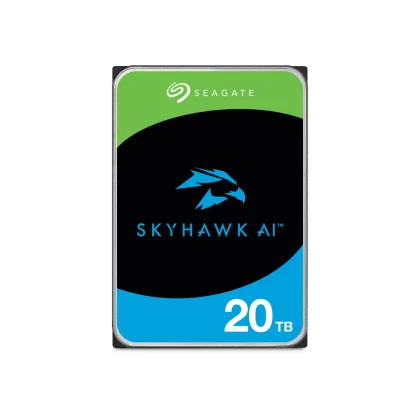
- Camera count and workload rating - larger NVRs and AI video analytics need higher-rated drives; check the manufacturer's supported camera streams.
- Capacity - depends on the number of cameras, resolution, frame rate, compression and retention days.
- Recorder compatibility - check the recorder's maximum supported drive size.
Surveillance, NAS or desktop?
Surveillance drives suit recorders. NAS drives suit multi-bay network storage. Desktop drives suit occasional PC use. Using the right class improves reliability. See also our guide enterprise vs NAS drives.
Browse surveillance hard drives or request a quote for bulk or installer pricing.
Besoin d’aide pour choisir ?Demandez-nous sur WhatsApp